
Edit Asset | MyEyedro User Guide
To edit an asset profile, navigate to the Assets Configuration plugin.
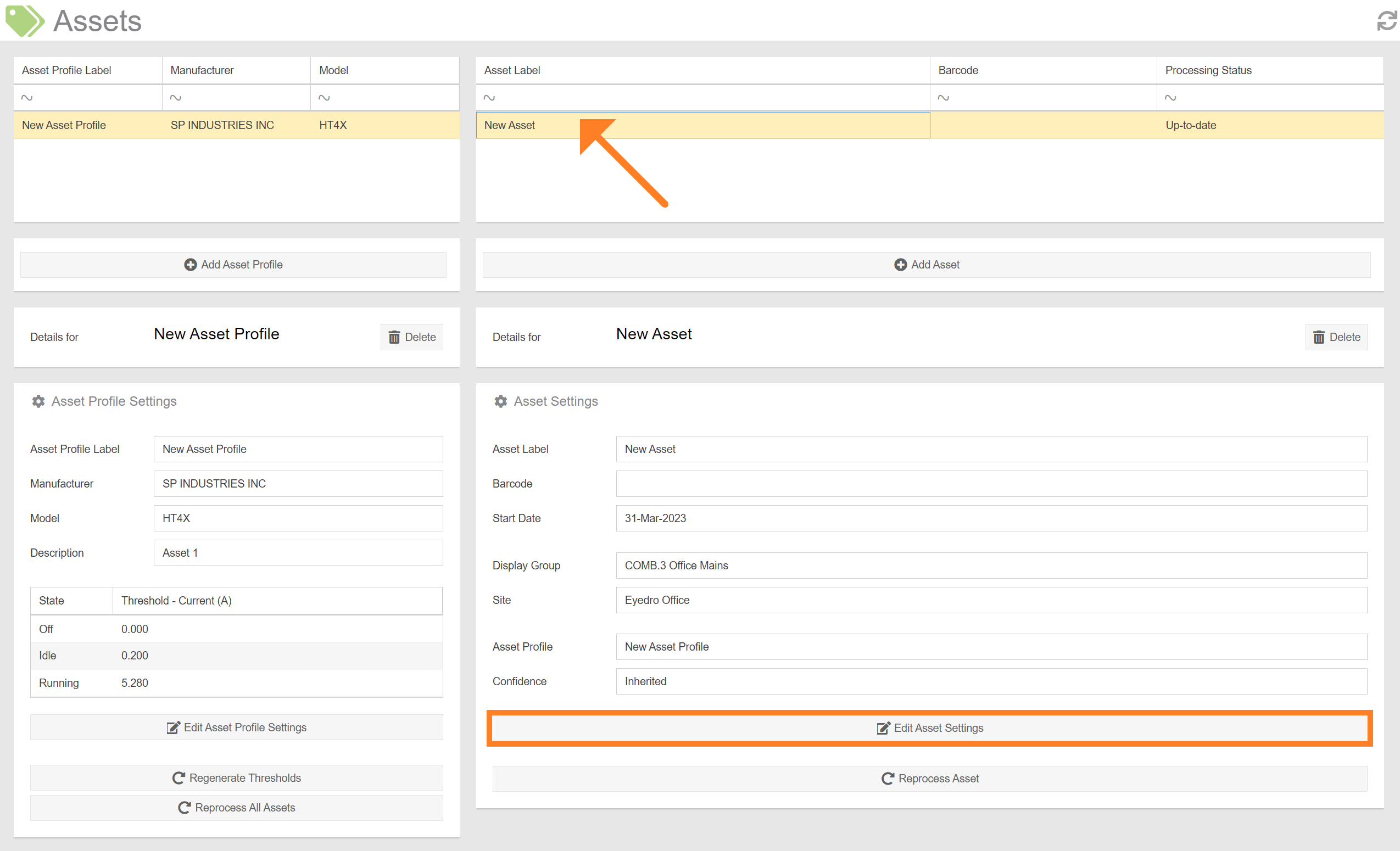
- Select the asset you’d like to edit from the list.
- Click the ‘Edit Asset Settings’ button.
- This will open a form which is used to specify the details of the profile. See the section on Adding an Asset for a description of each field. NOTE: You can not change the Display Group or Asset Profile during edit. To change either of these parameters, you must create a new Asset.
- Once you’re satisfied with the edited information, click ‘Submit’ to save your changes.
IMPORTANT: Modification of parameters that affect the results of the state processing (i.e. start date or threshold(s)), will result in a prompt to reprocess the asset. Depending on how much historical data the asset has (i.e. the asset’s Start Date), this can take a long time to complete.