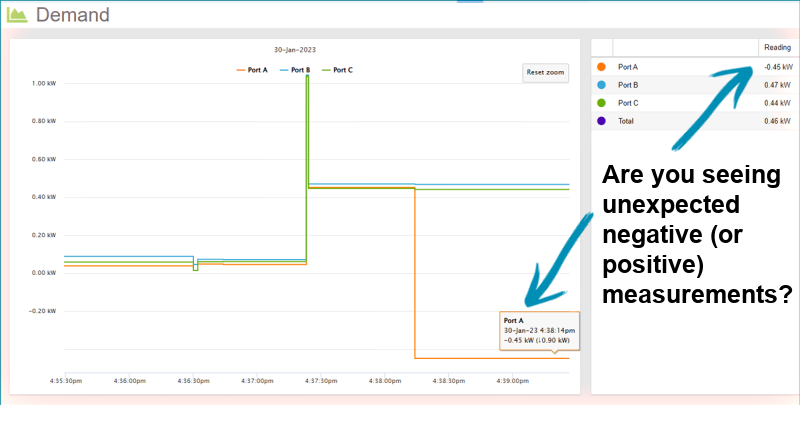
If you are seeing measurements that are the opposite of what you were expecting (positive or negative), you can change them in your MyEyedro account (note that this method is applicable to single-phase Eyedro systems only):
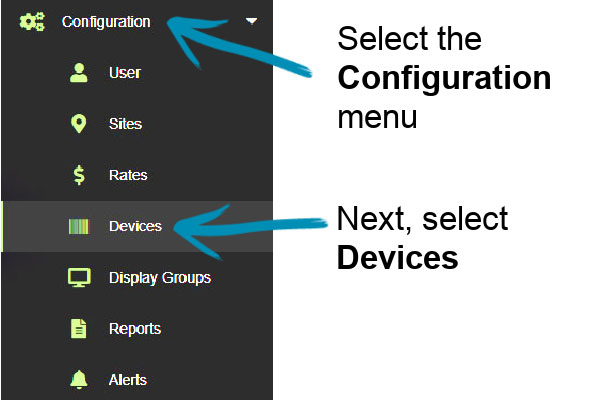
Go to the Configuration menu, then select Devices.
Select the affected device from the Device list.
Click on Edit Device Settings.
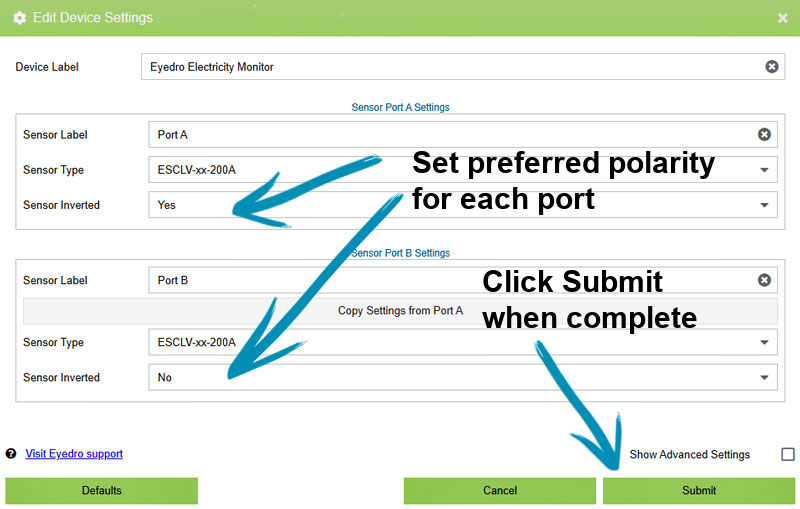
For each affected port select Sensor Inverted – Yes or No.
Hit Submit
Expand the Configuration menu then select Devices:
For each port (sensor) that is the incorrect polarity, change Sensor Inverted to Yes or No.
Click Submit when you have finished making settings changes:
It may take a minute for the polarity change to appear in your MyEyedro data.