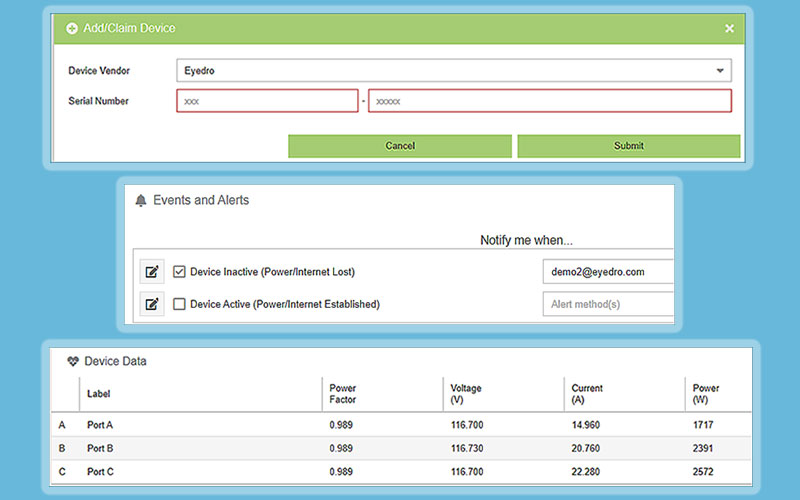
MyEyedro Device configuration settings allow you to add or delete your Eyedro hardware by serial number, adjust device parameters such as current multipliers, voltage, and polarity settings when monitoring solar or net metering. MyEyedro device-specific Alerts may also be set on this page.
There are direct links from the MyEyedro cloud pages to the MyEyedro user guide for help on any of the Configuration menu items.
Claim Eyedro Devices
Configure Device parameters
Assign Device names
Adjust polarity for solar
Set current multipliers for parallel conductors
Set Alerts
Energy Monitoring Made Easy
Refer to the MyEyedro User Guide for in-depth details on all the MyEyedro plugins.
Unlock advanced alerts, asset intelligence, asset profiles, advanced reports, RETScreen integration, and more with a MyEyedro Pro license.