Tutorial

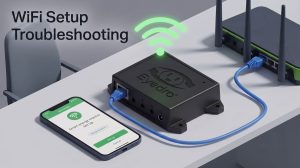
WiFi Setup Troubleshooting
Use a temporary Ethernet connection to solve WiFi setup issues.

Use a temporary Ethernet connection to solve WiFi setup issues.
![You can retrieve data locally by connecting your device directly to the Eyedro module's broadcasted Wi-Fi network (for example, EyedroWifi [A14-12345]). Once connected to the local network, you can query the module's built-in web server using the /getdata command to instantly retrieve your current measurement values. The /dashboard and /settings pages can also be accessed using this exact same format.](https://eyedro.com/wp-content/uploads/2019/01/get-data-api-sample-code-jpgmd-1200x670-1-300x168.jpg)

How to Retrieve Eyedro Data Locally Without Internet

The MyEyedro cloud platform has a new look, new features and provides a more responsive experience for mobile users.
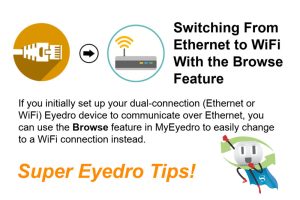
Switch your Ethernet connected Eyedro Home or Business energy monitor to a WiFi connection in 5 easy steps right from the Devices settings in your MyEyedro account.