Blog

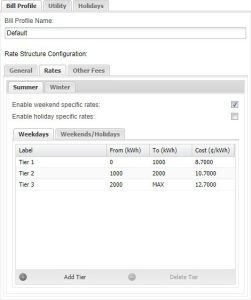
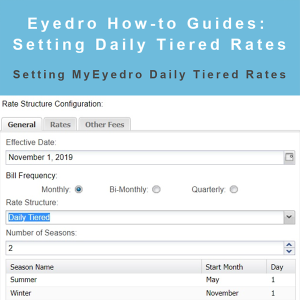
How to Set Up Daily Tiered Rates
Eyedro how-to guide: setting up Daily Tiered rates in the MyEyedro rates module.

Eyedro how-to guide: setting up Daily Tiered rates in the MyEyedro rates module.
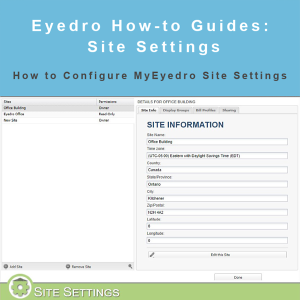
How to configure Site Settings in MyEyedro. View and edit time zones, share sites with other MyEyedro users and more.
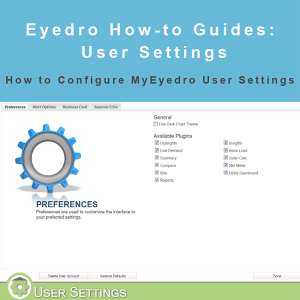
How to configure User Settings in MyEyedro. Select plugins, reset your MyEyedro password and choose your color scheme and more.
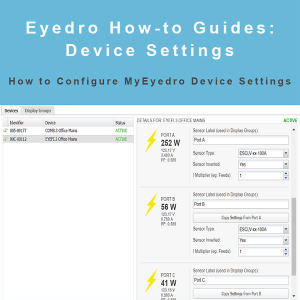
How to configure devices settings in MyEyedro. Set device parameters, create custom display groups, set polling intervals and enable alerts.
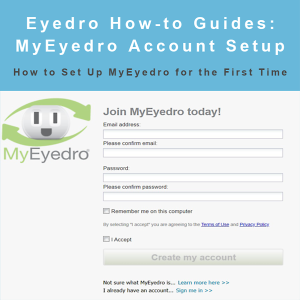
MyEydero How-to Guides: create and configure your MyEyedro account and options for the first time.
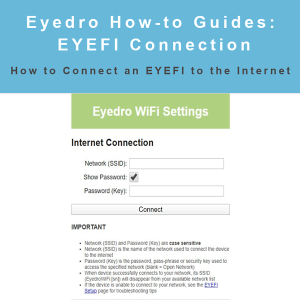
Eyedro How-to Guides: how to get your Eyedro EYEFI energy monitor connected to the internet.
Eydero How-to Guides: open an Eyedro Technical Support ticket.


Join Eyedro in San Antonio, Texas from January 28-30 for the DISTRIBUTECH International 2020 conference. DISTRIBUTECH is the utility industry’s leading transmission & distribution conference and exhibition.