How to Configure User Settings
How to configure User Settings in MyEyedro. Select plugins, reset your MyEyedro password and choose your color scheme and more.

How to configure User Settings in MyEyedro. Select plugins, reset your MyEyedro password and choose your color scheme and more.
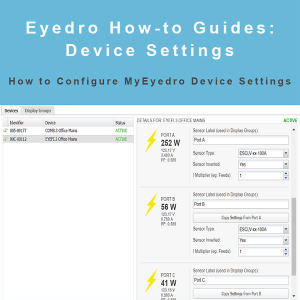

How to configure devices settings in MyEyedro. Set device parameters, create custom display groups, set polling intervals and enable alerts.
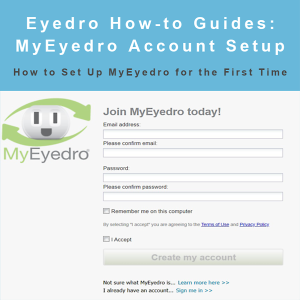
MyEydero How-to Guides: create and configure your MyEyedro account and options for the first time.
Eydero How-to Guides: open an Eyedro Technical Support ticket.
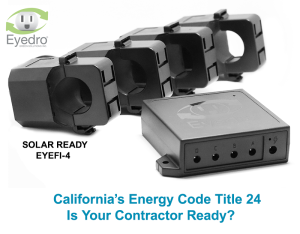

Eyedro solar ready energy monitors make it easy for you to meet California Energy Commission Title 24, Part 6 requirements. Ask us about the new easy to use Installer’s App!
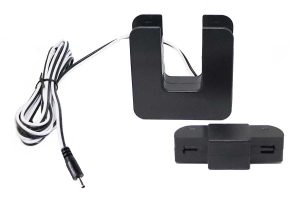

Eyedro has released a new line of sensors (CTs) that allow customers to monitor line current up to 3000A. Already widely used in residential, commercial
The Eyedro EYEFI-3 WiFi electricity monitor is perfect for monitoring electricity consumption or generation in any business (up to 3000A/600V).
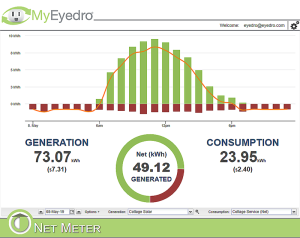
With the MyEyedro Net Meter plugin you can view your generation and consumption in one simple dashboard.

Eyedro energy monitors for home and business. Free access to the MyEyedro cloud software is included with your hardware purchase. Available in wired, wireless mesh and solar ready WiFi connected models.
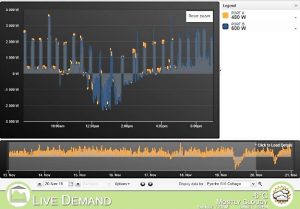
Eyedro EYEFI electricity monitoring systems are perfect for the Net Zero Home