
Eyedro Case Study

Canadian Tire Saves: Eyedro Retail Case Study
Eyedro’s energy monitoring systems help Canadian Tire Red Deer identify waste and save money!

Eyedro’s energy monitoring systems help Canadian Tire Red Deer identify waste and save money!


Discover how Brick Brewery turned electricity monitoring into a competitive advantage using Eyedro.

How Eyedro Electricity Monitoring solutions helped a kombucha brewer perform detailed analysis of his operation and ultimately save money.
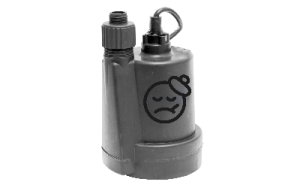
Detect imminent basement water pump and other equipment failures with real-time MyEyedro data, then take action to prevent costly repairs or replacements.

Testimonial on installing and using the Eyedro EYEFI-4 solar and energy monitor.

A MyEyedro Pro license unlocks powerful tools including advanced consumption and wattage alerts, asset profiles, extended data storage and exports and more!
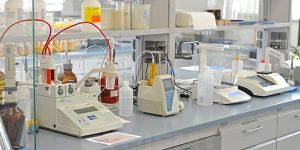
With Eyedro real-time energy monitoring solutions it is possible to provide a detailed profile of the energy use of Machine Operations in each department throughout a facility and identify efficiency opportunities.
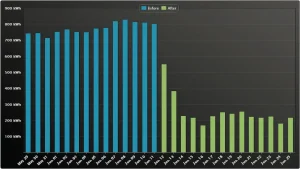
Energy saving projects are everywhere, especially installation of new office and warehouse lighting.
Off-grid solar generation and power consumption monitoring made easy with the Eyedro 4 sensor EYEFI-4 energy monitor.
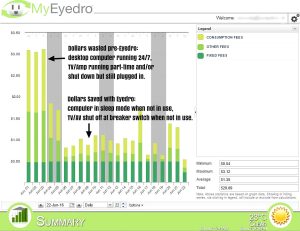
Eyedro real-time electricity monitoring helps you reduce your electric bill.