
Help and Support | MyEyedro User Guide
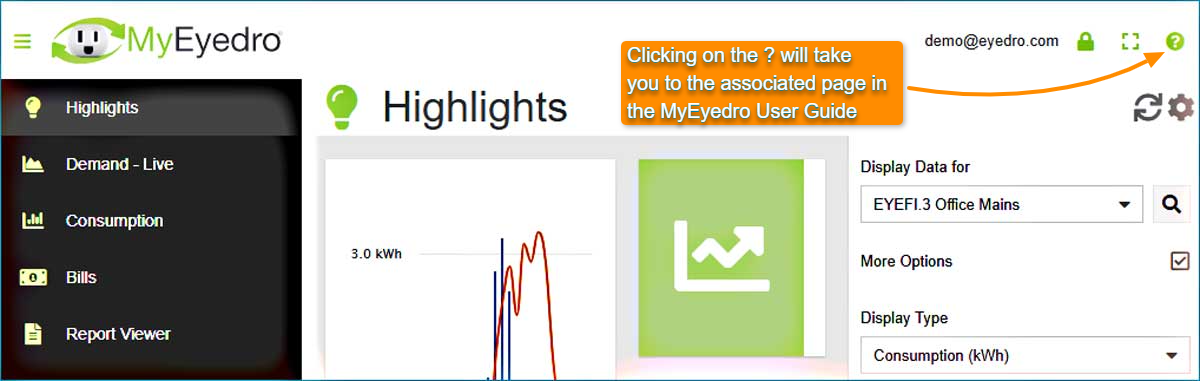
Help and support is accessible from every page in MyEyedro. Click on the question mark icon (?) in the top right corner to go to the corresponding information in the MyEyedro User Guide.
About
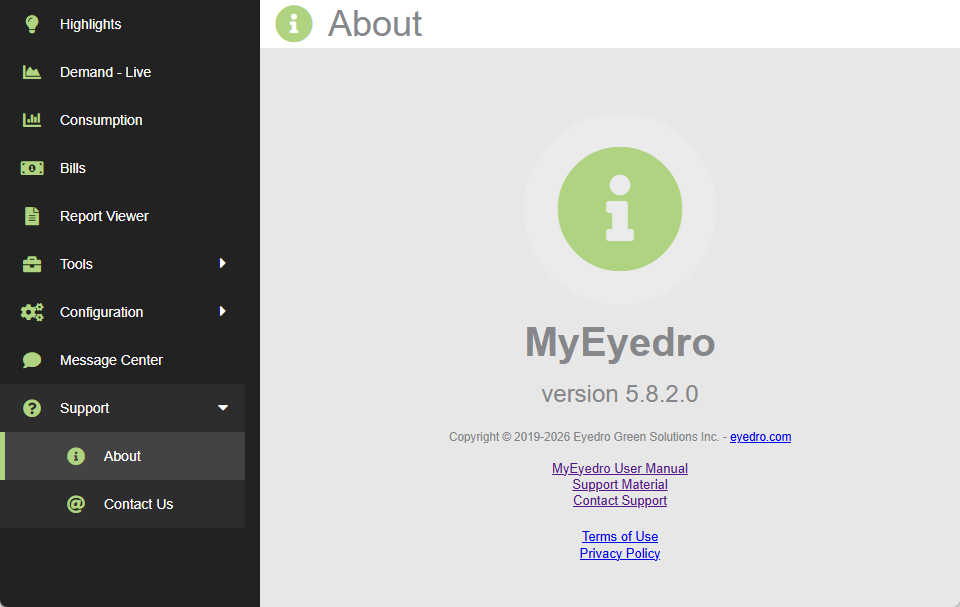
The About plugin displays the version of software as well as links to common support resources. To open the About plugin:
- If not already visible, expand the Plugin Selection Menu by clicking the Plugin Selection Menu Button (three bars in the top left corner).
- Expand the Support sub-menu item.
- Click the About menu item.
Contact Us
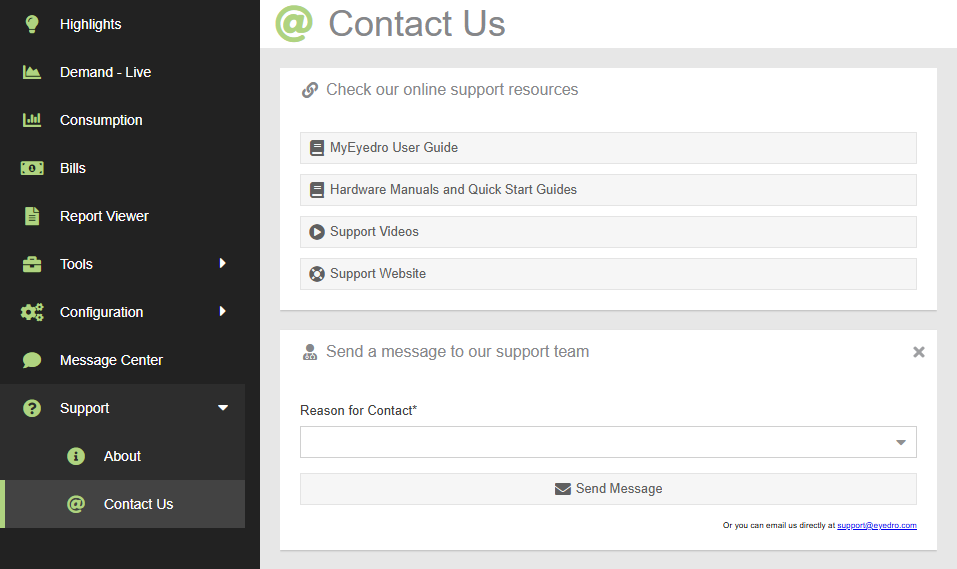
The Contact Us plugin provides links to common support resources as well as the ability to submit a support ticket conveniently from within the MyEyedro software. To open the Contact Us plugin:
- If not already visible, expand the Plugin Selection Menu by clicking the Plugin Selection Menu Button (three bars in the top left corner).
- Expand the Support sub-menu item.
- Click the Contact Us menu item.